
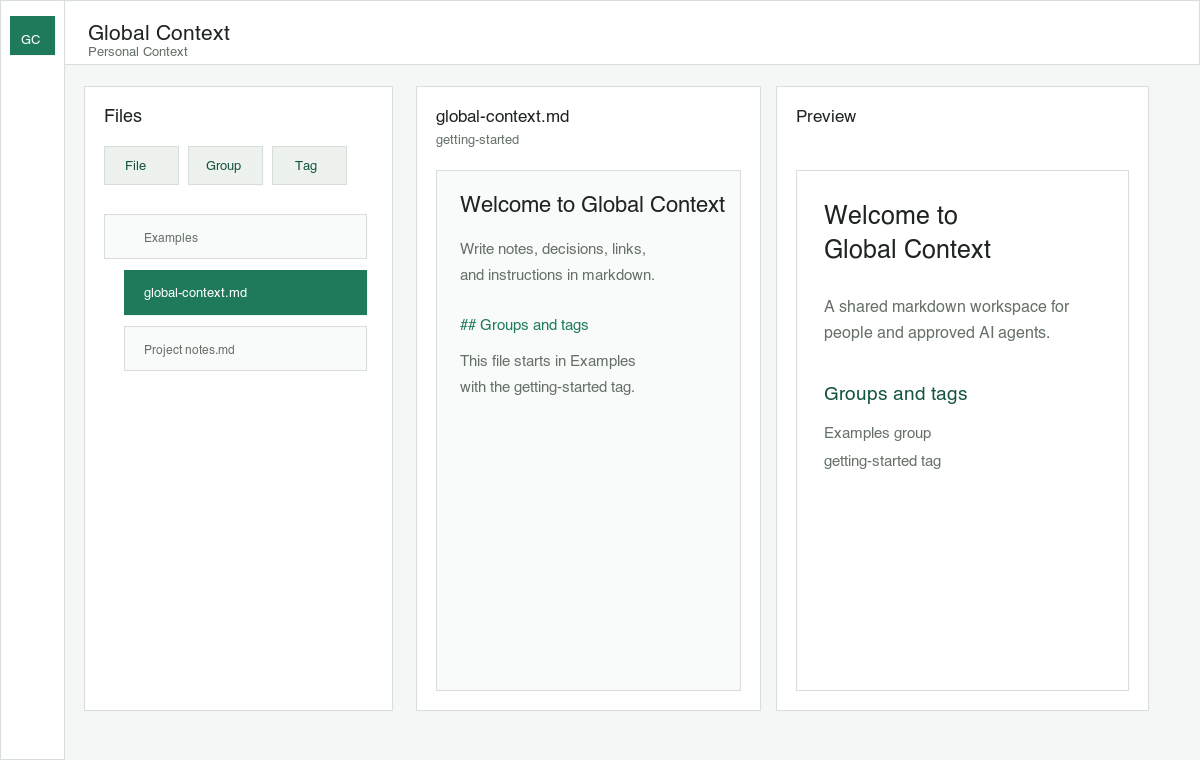
Work together in real time
See human and agent edits appear as they happen, so you can build on each other’s work without waiting.
A shared workspace for you and your agents
Connect any agent through MCP or a plugin. Switch anytime. Collaborate live in one shared workspace.
Agents act within your permissions.
Every edit visible in real time.
Up to 5 versions back, easy to restore.
Keep decisions, preferences, and working instructions where people and agents can use them together.
Share the work as it happens while keeping instructions, organization, permissions, and history clear.
See human and agent edits appear as they happen, so you can build on each other’s work without waiting.
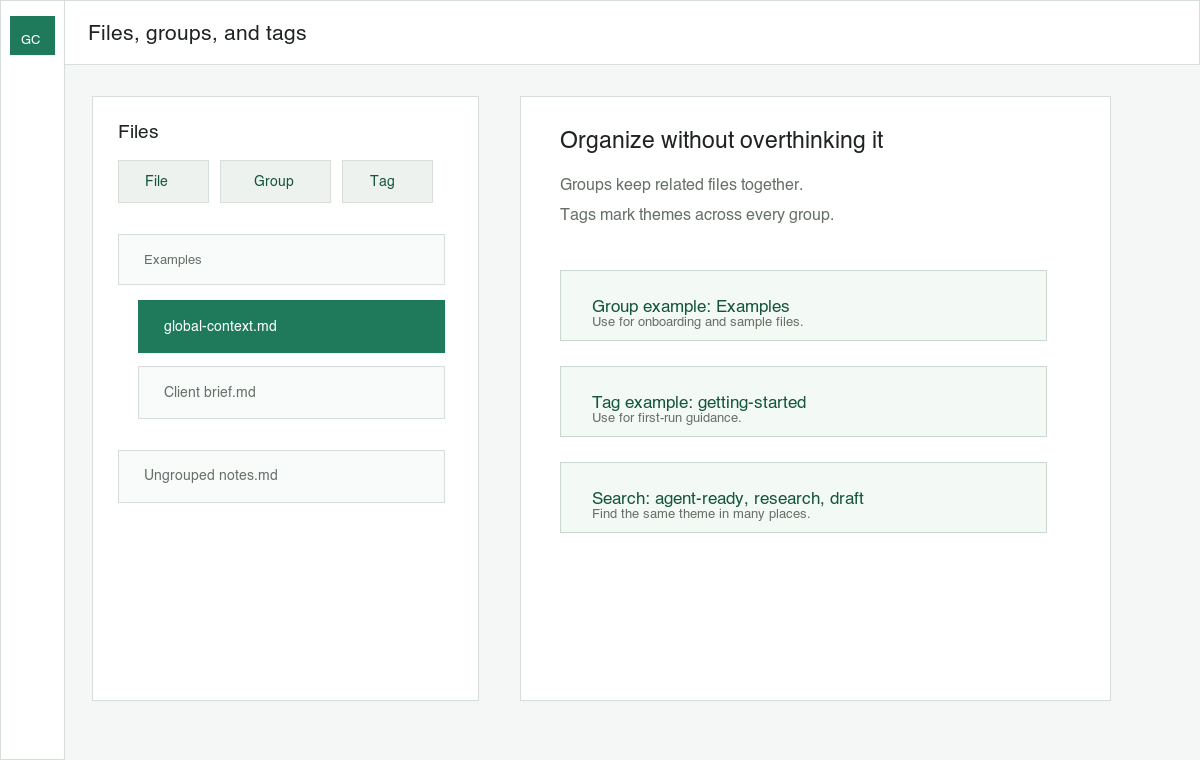
Create groups and tags that help both you and your agents navigate projects, topics, and instructions.
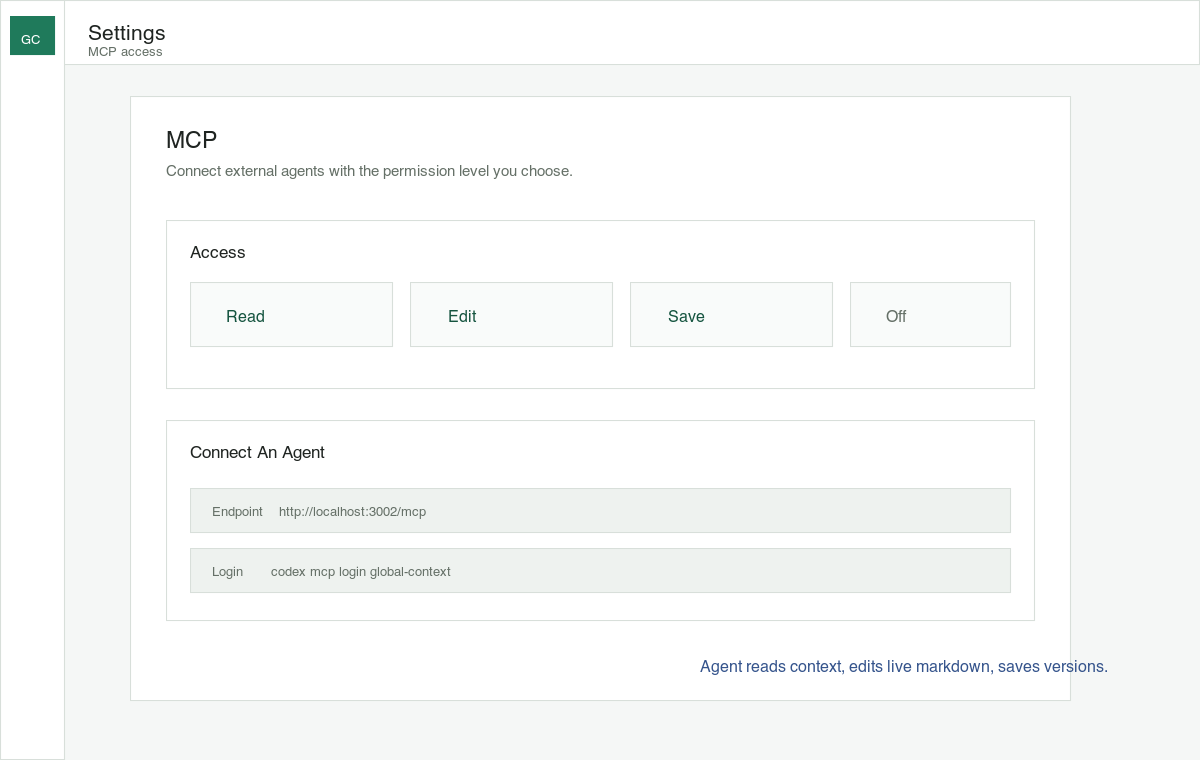
Give an agent the same actions you have, or limit its access to match the task.
Connect through MCP or a plugin. Your context stays in Compoze, so switching agents is simple.
Let an agent take any action you can, or restrict what it can read, edit, and save.
Version control keeps a clear history of saved changes, making it easy to restore an earlier version.
Human and agent changes appear in real time for a faster, more natural way to collaborate.
Leave instructions exactly where they matter, so an agent can pick up a specific request with the right details.
Use groups and tags to help you and your agents find the right files and topics.
Store lasting instructions and preferences, so every connected agent can follow the way you like to work.
Retrieval-Augmented Generation will help you and your agents find relevant context faster.
Add photos and videos directly alongside your written content.
Work with an integrated agent without leaving your shared workspace.
Connect through MCP or a supported plugin. Your shared context, instructions, and history stay in one place, while you decide what each agent is allowed to do.